File List
All loaded files are displayed in the file list. You can select multiple files at the same time. You can also select all files by clicking the select all button.
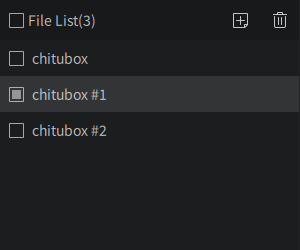
The checkbox icon allows you to select the file.
The add icon allows you to add files, or double-click a blank space in the file list to add files.
The trash icon allows you to delete the selected files.