Account and License
Account Registration
Please click here and sign up if you have not registered a CHITUBOX account.
License Key
An account can have multiple license keys. The license key will be automatically linked to your account when you make a purchase. This license key cannot be unbound from the account.
Please do not share your license key with anybody and bind it to your account right after you receive it.
CHITUBOX Dental uses online account verification. Please ensure that your computer is connected to the internet.
Activate and Bind License Keys
-
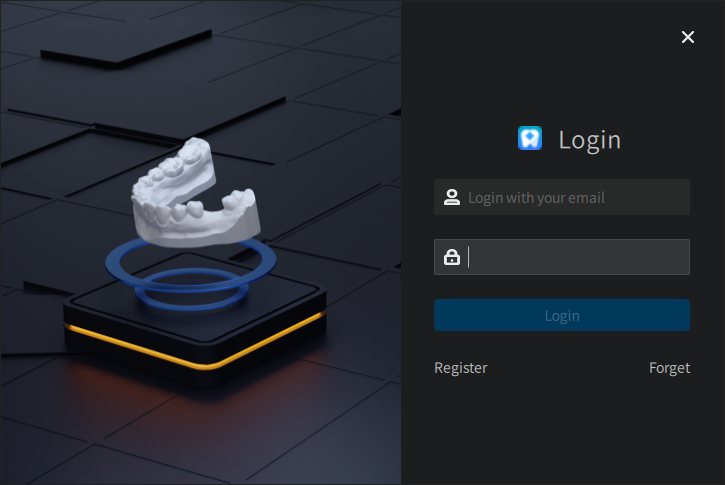
A pop-up window will appear when CHITUBOX Dental starts up for the first time.
 ATTENTION
A license check shall starts after user login. The Start Program dialog will not appear if the account does not meet the requirements (the account or the computer is already in use)
-
Enter your license key:
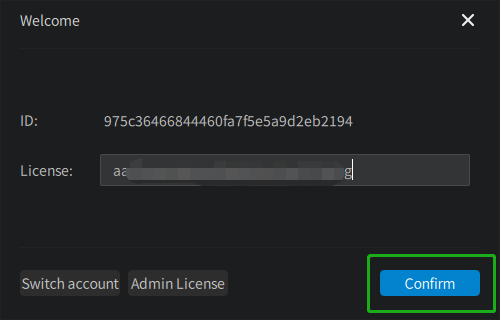
Clicking on the Confirm button activates the license key and binds it to your computer. The effective period of the key starts from the day the key is activated.
Unbind License Keys
You will need to unbind your license key from your current computer if you want to migrate CHITUBOX Dental to a new machine.
Log into your CHITUBOX account on web.
Click on My Products > My License Keys
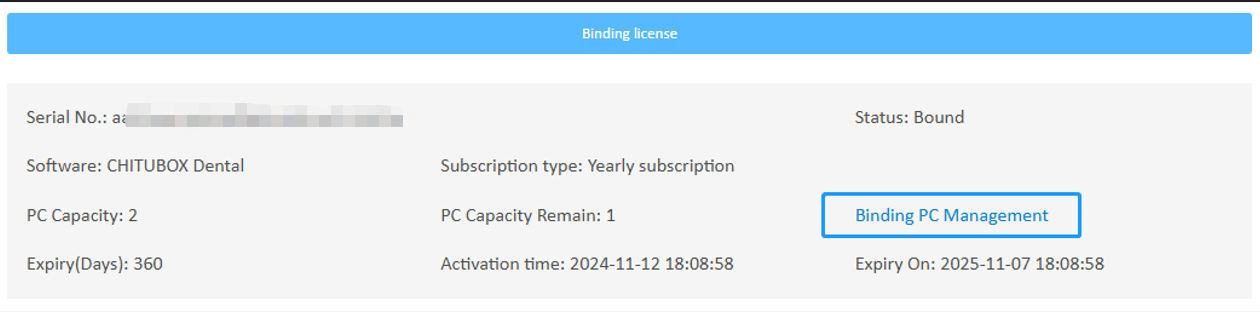
Click on Managed Linked PC > Unlink
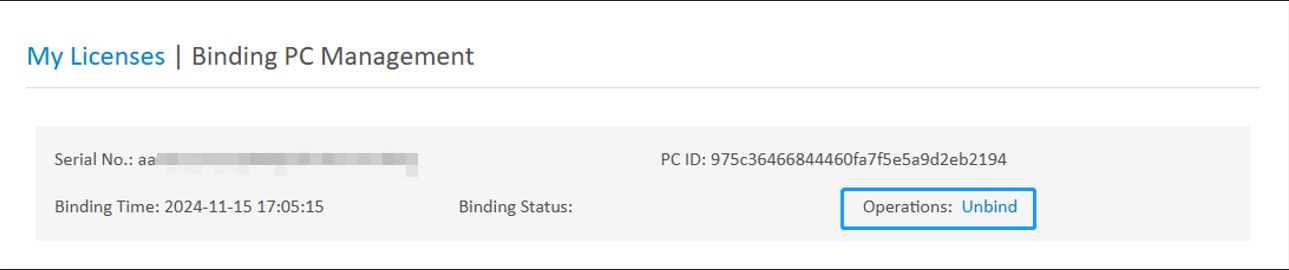
Your license key will be unbound from your current computer, and then you can re-activate the key on a new machine.